
v1.89 — AI Chat, Quicklinks, Window Management

Your shortcut to everything

A blazingly fast, totally extendable launcher. It lets you complete tasks, calculate, share common links, and much more.

Search Jira Issues Atlassian Jira
J
Clipboard History System
V
Create Snippet Snippets
N
Ask AI Raycast AI
A

Everything you need, two keystrokes away

Browse and install extensions from the Store, or build your own with our API. Every tool you use, unified in one launcher.

12.4k installs

GitHub

Search repos, manage PRs, review issues. All without leaving your flow.

G
8.7k installs

Linear

Create issues, search projects, track cycles. Your issue tracker, one keystroke away.

L
6.2k installs

Translate

Translate text between 100+ languages instantly. Select text, trigger, done.

T
15.1k installs

Window Management

Resize, move, and arrange windows with keyboard shortcuts. No mouse needed.

9.3k installs

Snippets

Create text expansions. Type an abbreviation, get the full thing. Emails, addresses, code.

S
4.8k installs

Color Picker

Pick any color from the screen. Copy as HEX, RGB, HSL, or OKLCH. Organize favorites.

C
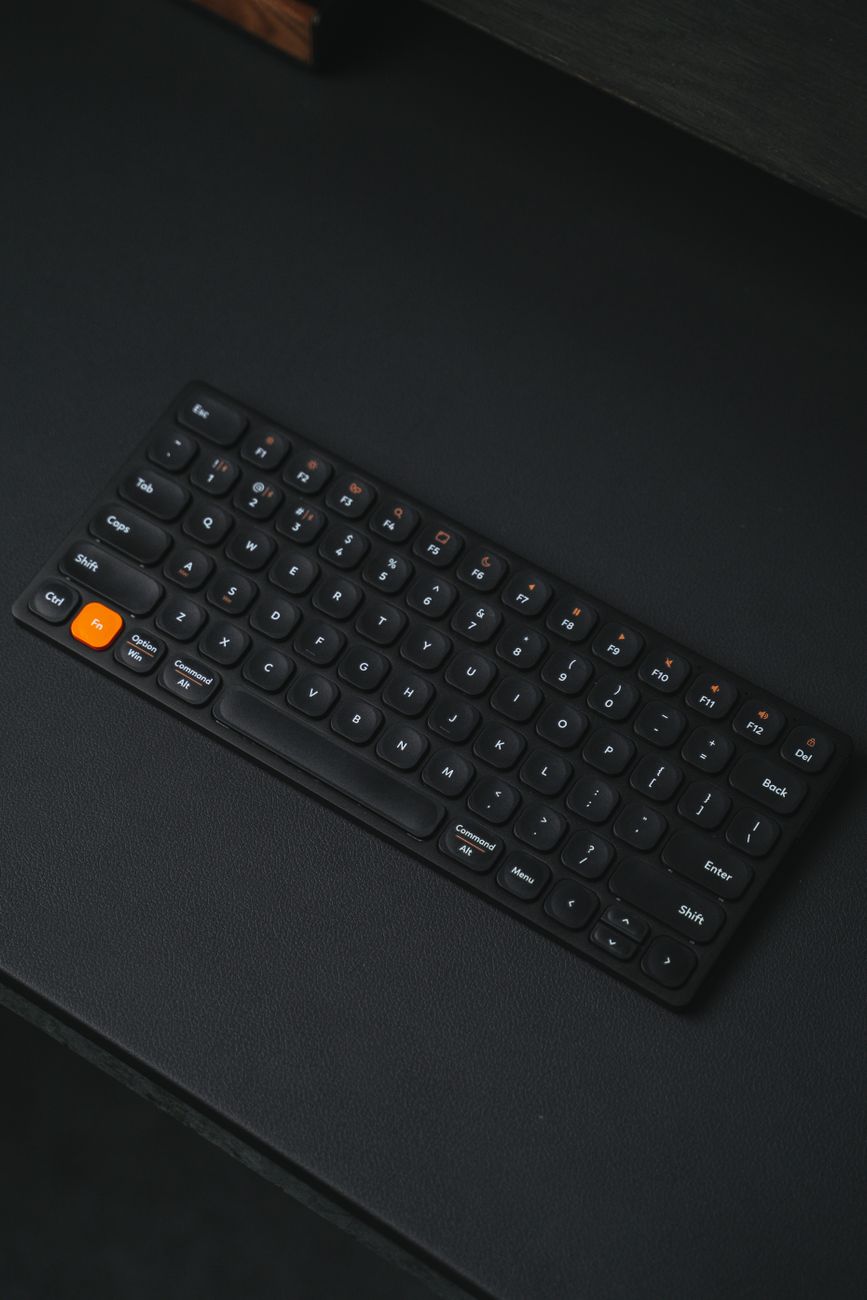
Backlit keyboard on a dark surface

Built for speed. Measured in milliseconds.

Native Swift, no Electron. Every interaction responds in under 50ms. Spotlight replacement that actually feels like a system utility.

Performance Benchmark
# Launch-to-render (cold start)
$ raycast --benchmark
  Window visible: 14ms
  Search ready: 22ms
  First result: 38ms

# Extension search latency
$ raycast --profile search
  Index query: 3ms
  Render list: 8ms
  Total: 11ms

# Memory footprint (idle)
$ raycast --mem
  Resident: 42MB
  vs Spotlight: ~180MB
14ms
Cold start to visible window
11ms
Search query to rendered results
42MB
Memory footprint — 4x less than Spotlight

AI that lives in your launcher

Ask anything, translate, summarize, generate code. The fastest path from question to answer — right from the command bar.
Raycast AI Online
Y
Explain the difference between useEffect and useLayoutEffect in React
useEffect runs asynchronously after the browser paints. Good for data fetching, subscriptions, and side effects that don't need to block the visual update.

useLayoutEffect runs synchronously after DOM mutations but before the browser paints. Use it when you need to read layout (e.g., measuring an element) and make changes before the user sees a flash.

In practice: default to useEffect. Switch to useLayoutEffect only if you see a visual flicker from a DOM measurement.
Y
Show me a quick example
useLayoutEffect(() => {
  const { height } = ref.current.getBoundingClientRect();
  setHeight(height); // no flicker
}, []);
Sleek black keyboard with orange accent on dark background

Designed for your fingers, not your mouse

Every action in Raycast has a shortcut. Customize any of them. Your hands never leave the keyboard.

Open Raycast Launch the command bar
Space
File Search Find any file instantly
F
Clipboard History Everything you've copied
V
Window: Left Half Snap to left side
Confetti Celebrate anything
C
Quick Links Open saved URLs fast
L

Free to start. Pro when you need it.

Free
$0 forever

Everything you need to replace Spotlight and boost your productivity.

  • Launcher + File Search
  • Clipboard History
  • Window Management
  • Snippets & Quicklinks
  • Calculator + Unit Converter
  • AI Chat (limited)
  • Cloud Sync
Teams
$12 /user/mo

Shared snippets, team extensions, admin controls. Productivity for the whole org.

  • Everything in Pro
  • Shared Snippets & Links
  • Team Extension Store
  • SSO & SCIM
  • Admin Dashboard
  • Usage Analytics
  • Dedicated Support